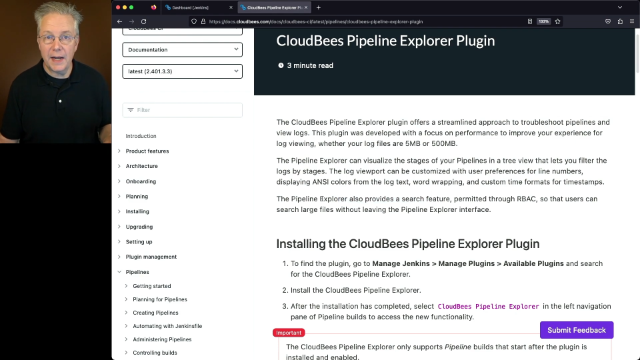
Pipeline troubleshooting within application development workflows can be time-consuming, especially with complex pipelines and large log files in enterprise continuous integration (CI) environments. For instance, traditional Jenkins debugging often struggles at scale, causing lost productivity and downtime.
However, CloudBees Pipeline Explorer makes troubleshooting fast and efficient. Tune into this video to access your tour and demo of how to troubleshoot pipelines using the CloudBees Pipeline Explorer, which includes a clear explanation of how to:
1. Access and enable Pipeline Explorer
2. Visualize the entire pipeline to spot potential issues with intuitive tree views
3. Find log entries within the interface with built-in search functionality